
Some Google Shopping ads now carry a small line such as "100+ sold last 30 days". Google calls these purchase signal annotations. It is free social proof, sitting right next to your price.
But Google does not count your sales from your shop platform. It counts only the sales your Google Ads tracking reports item by item, and only the ones it credits to its own ads. Google published a new help page on this, which PPC Times spotted on 21 November 2026. Search Engine Roundtable and Search Engine Land covered it on 23 November 2026.
One big catch for UK readers: Google says the badge is not shown in the UK, the EEA or Switzerland. If you only sell in the UK, nothing changes on your ads today. If you run Shopping ads in the US, Canada, Australia or other markets, it can already apply there.
For ecommerce and digital directors, the lesson is short: Google can now show "100+ sold" on your Shopping ads, but only from the sales your tag reports product by product. Check your tag and your product feed use the same IDs before Black Friday.
What Google published
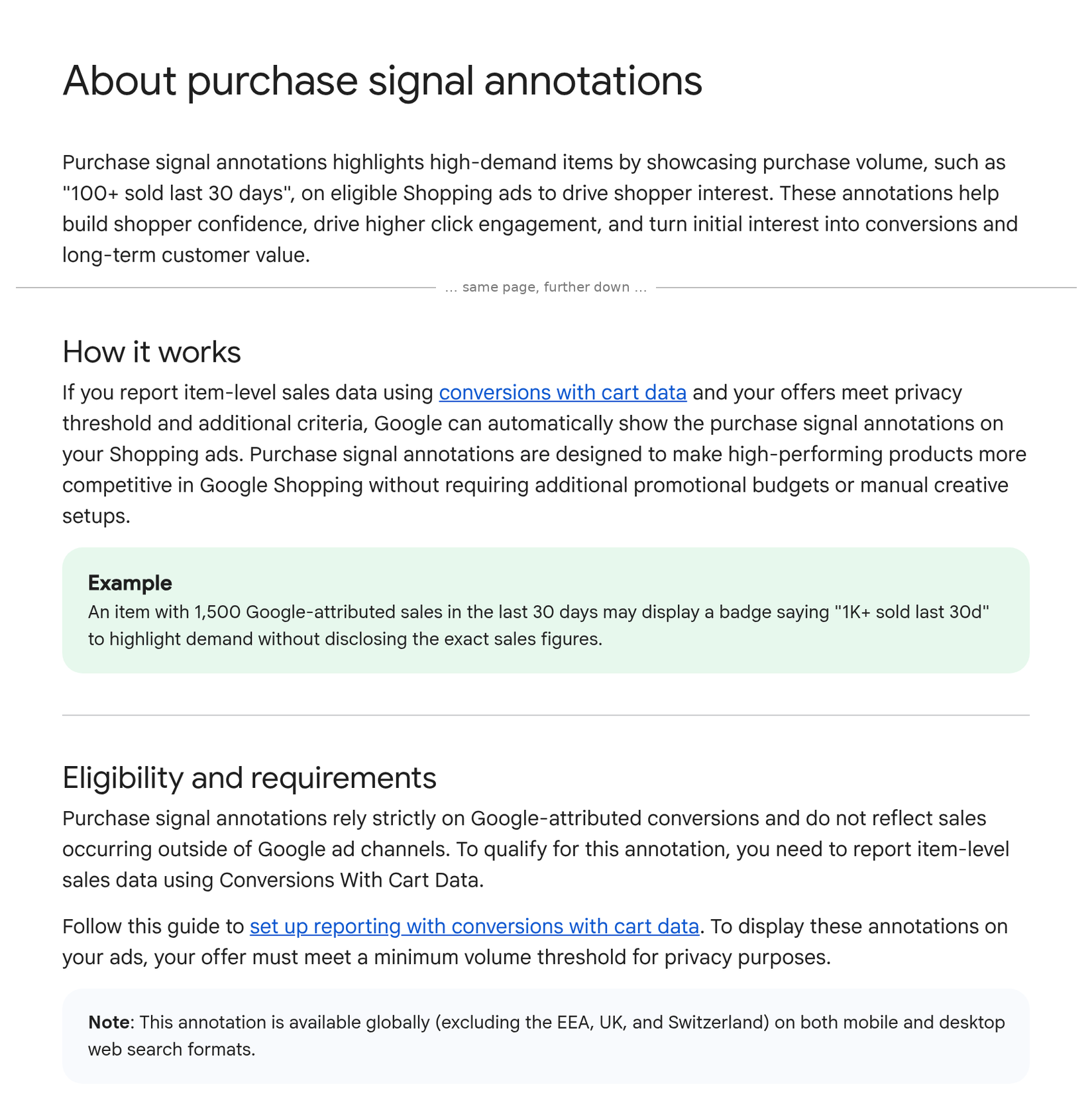
Google's "About purchase signal annotations" help page says:
"Purchase signal annotations highlights high-demand items by showcasing purchase volume, such as "100+ sold last 30 days", on eligible Shopping ads to drive shopper interest."
In plain words, here is what the page says:
- It is automatic. There is no setting to switch on. If you qualify, Google may show it.
- It needs basket data. You must report "item-level sales data using conversions with cart data". That means your purchase tag sends which products were bought, not just the order total.
- It only counts Google's share. The badge relies "strictly on Google-attributed conversions" and does "not reflect sales occurring outside of Google ad channels".
- It is rounded. Google's example: an item with 1,500 Google-attributed sales in 30 days "may display a badge saying "1K+ sold last 30d"".
- There is a minimum. Each product "must meet a minimum volume threshold for privacy purposes".
- Where it shows. Google says it is "available globally (excluding the EEA, UK, and Switzerland)".
What Google does not say: the minimum number of sales, the "additional criteria", when the badges started, or how much they lift clicks. As PPC Times points out, the page carries no date and gives no figures.
Sources: Google Ads Help — About purchase signal annotations; PPC Times, Thomas Eccel, 22 November 2026; Search Engine Land, Anu Adegbola, 23 November 2026.
What it means, in plain terms
Think of the badge as a sales counter that only Google can see. It does not read your till. It reads what your website's tag tells Google Ads after each order. If the tag sends only "an order worth £84", the counter stays at zero for every product.
Three things matter for your P&L:
- No basket data, no badge. If your purchase tag sends only the order total, your products cannot qualify, however well they sell. A rival who sends basket data can.
- Mismatched product IDs are left out. Google's cart data page says the item IDs your tag sends "must exactly match the id attribute in your Merchant Center feed". If they do not match, those sales are not counted, so a best seller can look like a slow seller to Google.
- The same data does more than badges. Basket data also powers Google Ads reports on items sold, basket size, and, with cost data in your feed, gross profit. Fixing it can pay off even where the badge is not shown.
One thing not to over-read: the badge counts only sales Google credits to its own ads. A product that sells mostly through email, marketplaces or your shops may show a low number, or none. That is not a sign the product is weak.
We wrote about the profit side of the same basket data in Google Ads can bid on profit, not just sales.
The director checklist
- Ask one question today. "Does our Google Ads purchase tracking send the products in each order, or only the total?" If nobody knows, that is your answer.
- Check the diagnostics. In Google Ads, open your purchase conversion action and look for flagged item IDs. Google says you can download the list and compare it with your Merchant Center feed.
- Match the IDs. The product ID your tag sends must be exactly the same as the ID in your feed. Shop platforms and feed apps often use different formats, so check a few real orders.
- Check the feed is linked. Google only counts items from a Merchant Center account linked to your Google Ads account, and every product you sell should be in the feed.
- Look outside the UK. If you advertise in the US or Australia, for example, ask your agency to check your best sellers there and note which show a badge. Compare clicks for badged and unbadged products before reading anything into it.
- Fix small, then freeze. A tested ID fix this week is fine. Adding basket data from scratch, or moving tags, should wait until after Cyber Monday on 30 November.
Related reading: Google Ads Data Strength Uplift: what to check before it goes in the board deck and Google warns bot blocking can pull your products from Shopping.
Not sure what your purchase tag really sends?
Run our free tracking scan at audit.taggurus.co.uk for a quick health score on your GA4 and Google Ads tracking.
Want a senior second opinion before Black Friday? Email info@taggurus.co.uk or book a meeting today to discuss.
#40/100 in our series “100 important things to know in the digital world”.
FAQ
Q: What are purchase signal annotations?
A: Labels such as "100+ sold last 30 days" that Google can add automatically to eligible Shopping ads. They show a rounded number of recent sales, not the exact figure.
Q: Will my ads in the UK show them?
A: Not for now. Google says the annotation is available globally, excluding the EEA, the UK and Switzerland. Google has not said if or when that will change.
Q: Why does the number look lower than our real sales?
A: Google counts only sales it credits to its own ads, and only sales reported item by item through conversions with cart data. Sales from other channels, or with mismatched product IDs, are not included.
Q: Does this work if we import purchases from GA4?
A: Google's cart data pages say imported Google Analytics purchase conversions can be used for cart data reporting, with the GA4 item_id parameter. Your team should confirm the IDs still match your feed.
Q: Should we change our tracking before Black Friday?
A: Small, tested ID fixes, yes. Adding basket data from scratch is safer after Cyber Monday, so your peak-week numbers stay comparable.
Sources
- https://support.google.com/google-ads/answer/18978095?hl=en (Google Ads Help, “About purchase signal annotations”, read 24 November 2026: “showcasing purchase volume, such as "100+ sold last 30 days", on eligible Shopping ads”; “If you report item-level sales data using conversions with cart data and your offers meet privacy threshold and additional criteria, Google can automatically show the purchase signal annotations”; example “1,500 Google-attributed sales in the last 30 days may display a badge saying "1K+ sold last 30d"”; “rely strictly on Google-attributed conversions and do not reflect sales occurring outside of Google ad channels”; “minimum volume threshold for privacy purposes”; “available globally (excluding the EEA, UK, and Switzerland) on both mobile and desktop web search formats”)
- https://support.google.com/google-ads/answer/9028254?hl=en (Google Ads Help, “About conversions with cart data”, read 24 November 2026: “Item IDs passed in the items array of your conversion tag must exactly match the id attribute in your Merchant Center feed”; flagged item IDs downloadable from the conversion action diagnostics; only items from a linked Merchant Center account are processed; reports on items sold, cart size, average order value and gross profit; Google Analytics and Firebase imported conversions supported)
- https://support.google.com/google-ads/answer/14943675?hl=en (Google Ads Help, “Conversions with cart data parameters”: items array with item ID, price and quantity; items.id for Google Ads conversions, items.item_id for Google Analytics or Firebase conversions)
- https://ppctimes.com/news/google-shopping-ads-purchase-signal-annotations (PPC Times, Thomas Eccel, 22 November 2026: new help page found by its help page watcher on 21 November 2026; “The page carries no date”; no figures for the click lift; EEA, UK and Switzerland excluded)
- https://www.seroundtable.com/google-ads-purchase-signal-annotations-42587.html (Search Engine Roundtable, Barry Schwartz, 23 November 2026: new help document; label seen “in the wild a few months ago”)
- https://searchengineland.com/google-ads-introduces-purchase-volume-badges-for-shopping-ads-502859 (Search Engine Land, Anu Adegbola, 23 November 2026: “Purchase signal annotations only reflect Google-attributed conversions”; exact minimum not disclosed; no manual setting)
