
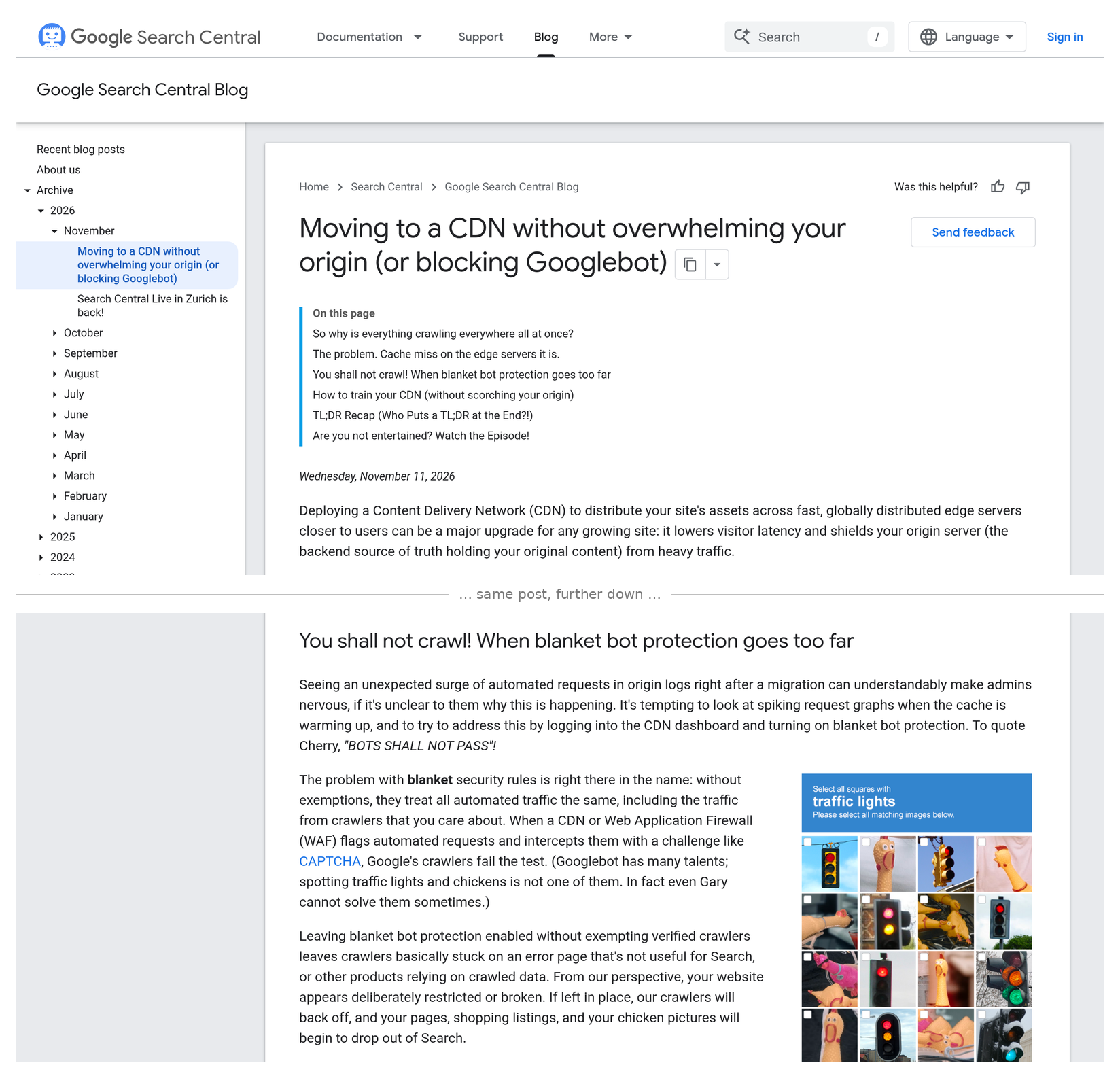
On 11 November 2026 Google published a post on the Google Search Central Blog called “Moving to a CDN without overwhelming your origin (or blocking Googlebot)”. A CDN is the fast delivery network that sits in front of many online shops. Google’s warning is simple: if your team switches on blanket bot protection and does not let Google’s own crawlers through, Google stops being able to see your site — and your products can start to drop out.
It reads like an IT note. It is a revenue note. PPC Land covered it on 12 November under the headline “Google says CDN bot blocks can drop products from Shopping and ads”, and in the video that came with the post, Google’s presenters say products “disappear from Google Shopping and ads products stop working”.
For ecommerce and digital directors, the lesson is short: block the bad bots, not Google. One firewall setting can take your products out of Shopping and stop your ads serving, so check it before Black Friday.
What Google published
The Search Central Blog post, dated 11 November 2026, says:
“Leaving blanket bot protection enabled without exempting verified crawlers leaves crawlers basically stuck on an error page that's not useful for Search, or other products relying on crawled data. From our perspective, your website appears deliberately restricted or broken. If left in place, our crawlers will back off, and your pages, shopping listings, and your chicken pictures will begin to drop out of Search.”
In plain words:
- Why it happens. Google’s post explains that right after a site moves onto a CDN, crawler traffic to the main server can spike. The site is suddenly faster, so Google’s crawlers speed up, and the CDN has not yet stored copies of most pages. Teams see a wall of “bot” traffic and reach for the bot-blocking switch.
- Google’s crawlers can’t pass a CAPTCHA. When a firewall answers automated visits with a challenge, Google says its crawlers “fail the test”. To Google, your shop then looks broken or closed.
- Shopping and ads use the same view of your site. Google Merchant Center Help says that when a product page can’t be reached, “we disable products that have an unavailable landing page. These products will stop showing in ads and free listings until Google can access the landing page.”
- Even the “emergency brake” has a cost. Google’s guide to reducing crawling says that slowing its crawlers down means prices and stock may take longer to update in Search, and “For Google Ads, your campaigns may be canceled or paused, and your ads may not serve.”
- Google’s fix. Allow verified bots in your CDN and firewall settings (most offer a built-in switch for this), block specific unwanted bots instead of all automated traffic, warm up the CDN with your key pages before launch, and if the server truly needs a break, return a temporary “too busy” code for “a few hours, or 1-2 days at most”.
Sources: Google Search Central Blog — 11 November 2026; Google Merchant Center Help — Product page unavailable; Google — Reduce the Google crawl rate; PPC Land, 12 November 2026.
What it means, in plain terms
- Your shop can look fine to you and closed to Google. Shoppers and your team see the normal site. Google’s crawlers see a challenge page. Nothing looks wrong until products start to fall away.
- It is not only Googlebot. Google uses several crawlers. Merchant Center Help names Googlebot, Googlebot-Image and Google StoreBot, which checks “price, availability, and pick up options”. Google’s own list of crawlers puts AdsBot, which checks ad landing pages, in a separate group. A rule that lets one through can still stop another.
- Peak is when it is most likely. Black Friday traffic, more bots, a nervous IT team and a new security rule is exactly the mix Google describes. Google even lists “promotional or seasonal launches” among the pages to warm up first.
- Your reports show it late. A drop in Shopping clicks, Paid Shopping and Organic Shopping sessions in GA4, or “Product page unavailable” in Merchant Center are signs it has already started.
- Google gives no timings. Neither the post nor the video says how fast products drop or how long a block must stay in place. Treat any block of Google as urgent.
This sits next to earlier notes. AI agent traffic at checkout covered the bots you may want to measure, not block. Third-party script risk covered why changes outside marketing can hit revenue. And Google tag gateway covered serving Google tags through your own CDN — another reason the CDN team and the tracking team should talk. Today is about a security switch that can quietly turn off your Shopping listings, 15 days before Black Friday.
Why it matters for the P&L
- Lost sales you will not see in an error log. If products are disabled, they stop showing in ads and free listings. The shop stays up, but the shelf space on Google goes.
- Wasted budget and broken learning. Paused or limited Shopping campaigns at peak mean lost volume, and campaigns that restart cold have to learn again on your most expensive days.
- Out-of-date prices and stock. If Google crawls less, it sees price and stock changes later. On Black Friday that can mean listings showing old offers.
- The wrong team gets blamed. Paid media sees falling Shopping numbers and changes bids. The real cause is a firewall rule nobody in marketing knew about.
- Your own orders are the referee. If Shopping orders drop while other channels hold, check whether Google can still reach your product pages before you touch bids or budgets.
Director checklist
Hand these to your IT, hosting or tracking lead. Most can be done in 30 minutes.
- Ask one question. “Do we use a CDN, firewall or bot protection in front of the shop — and is ‘allow verified bots’ switched on?” Get a yes or no in writing, with the name of the provider.
- Freeze blanket bot rules before peak. Agree that no new “block all bots” or CAPTCHA rule goes live between now and Cyber Monday (30 November) without a check that Google can still reach product pages.
- Check Merchant Center today. In Merchant Center, go to Products and the Needs attention tab. Look for “Product page unavailable” and any jump in disabled products.
- Check Google can fetch a product page. In Search Console, use URL Inspection on a few top product pages and run a live test, on desktop and smartphone. Google’s Merchant Center Help points to this tool. A challenge page or a 403 means Google is blocked.
- Look at the crawl numbers. In Search Console, Settings → Crawl stats shows how Google’s requests are answered. A rise in 403 or 429 responses is a warning sign.
- Ask for the firewall log. Ask IT to search the CDN or firewall log for blocked or challenged requests from Googlebot, AdsBot-Google and Storebot-Google. Google says to verify its crawlers by checking the address against its published lists, not by trusting the name a visitor gives.
- Watch Shopping in GA4 daily. Through peak, check Paid Shopping and Organic Shopping sessions and orders each morning against last week. A sudden drop with other channels flat is a reason to check access first.
- Agree the emergency plan. If the server really is overloaded, Google’s advice is a temporary “too busy” response for “a few hours, or 1-2 days at most” — not a blanket block. Agree who can make that call, and who tells marketing.
Questions to ask your team this week
- Who owns our CDN and firewall settings, and is “allow verified bots” on?
- Has anyone added a bot or CAPTCHA rule in the last month?
- Do we have any “Product page unavailable” products in Merchant Center right now?
- Can Google fetch our top product pages in Search Console’s live test?
- If Shopping sales drop on Black Friday, who checks access before anyone changes bids?
Caveats
- Google gives no numbers. The post describes how the problem works. It does not say how often it happens, how big the spikes get, or how quickly pages and products drop.
- The Shopping and ads wording is strongest in the video. The blog says shopping listings “begin to drop out of Search”. The line that products “disappear from Google Shopping and ads products stop working” comes from the video, as quoted by PPC Land. Merchant Center Help separately confirms that products with unreachable pages stop showing in ads and free listings.
- Not every shop is at risk. If you do not use extra bot protection, or “allow verified bots” is already on, this may be a quick yes. Hosted platforms manage some of this for you; ask whether anything extra sits in front of the store.
- Verified-bot lists depend on your provider. Google’s fix relies on your CDN or firewall recognising Google correctly. Check with your provider rather than assuming.
- Don’t test by pretending to be Google. Sending a request that claims to be Googlebot from your own computer can be blocked as fake even when the real Googlebot is allowed. Use Search Console’s URL Inspection.
- The checklist is Tag Gurus advice, built on Google’s published guidance. Test any rule change before it goes live.
Final thoughts
#32/100 — Block the bad bots, not Google. One firewall setting can take your products out of Shopping and stop your ads serving, so check it before Black Friday.
Bot traffic is real, and protecting your site is right. But Google’s crawlers are not the enemy. They are how your products get onto Google’s shelf. Ask the one question about verified bots. Check Merchant Center today. Make sure nobody switches on a blanket block in the next three weeks without checking Google can still get in. Then let security and sales work together, not against each other.
Not sure whether Google can see your products, or how your tracking would show it if it couldn’t? Run our free GA4 and GTM tracking scan at https://audit.taggurus.co.uk/, email info@taggurus.co.uk, or book a meeting today to discuss.
FAQ
Q: What did Google publish on 11 November 2026?
A: A Search Central Blog post, “Moving to a CDN without overwhelming your origin (or blocking Googlebot)”. It explains why crawling can spike after a CDN move and warns that blanket bot protection without exemptions locks Google’s crawlers out.
Q: Why would bot protection affect our Shopping ads?
A: Google checks product and landing pages with its crawlers. Merchant Center Help says products with an unavailable landing page are disabled and “stop showing in ads and free listings until Google can access the landing page.”
Q: How do we know if it is happening?
A: Look for “Product page unavailable” in Merchant Center, run a live URL Inspection test in Search Console on top product pages, and ask IT to check the firewall log for blocked Google crawlers.
Q: Should we switch bot protection off?
A: No. Google’s advice is to keep protection but allow verified bots, and to target specific unwanted bots rather than all automated traffic.
Q: Our server is struggling with crawler traffic. What should we do?
A: Google suggests a temporary 429 or 503 response for “a few hours, or 1-2 days at most”. Its own guide warns this also slows price and stock updates and can pause Google Ads campaigns, so keep it short.
Q: How long until products come back once fixed?
A: Google does not give one figure for this case. Merchant Center Help says products come back once Google can reach the page again; for in-store product pages it says this “typically takes 12 to 48 hours”.
Sources
- https://developers.google.com/search/blog/2026/11/crawling-cdn (Google Search Central Blog, Cherry Prommawin and Gary Illyes, 11 November 2026, “Moving to a CDN without overwhelming your origin (or blocking Googlebot)”: crawler traffic can spike after a CDN move; blanket bot protection without exempting verified crawlers leaves crawlers “stuck on an error page”; “your pages, shopping listings, and your chicken pictures will begin to drop out of Search”; allow verified bots, pre-warm caches, use 429 or 503 “for a short window (a few hours, or 1-2 days at most)”)
- https://ppc.land/google-says-cdn-bot-blocks-can-drop-products-from-shopping-and-ads/ (PPC Land, Luis Rijo, 12 November 2026: quotes the accompanying Search Central video — products “disappear from Google Shopping and ads products stop working”; notes Google gives no figures or timings)
- https://support.google.com/merchants/answer/12158123?hl=en (Google Merchant Center Help, “How to fix: Product page unavailable”: products with an unavailable landing page are disabled and “stop showing in ads and free listings until Google can access the landing page”; test with the URL Inspection Tool)
- https://support.google.com/merchants/answer/13484511?hl=en (Google Merchant Center Help, “How to fix: Google StoreBot crawler can’t access your in-store product page”: firewalls or CDNs such as Cloudflare blocking Google’s crawlers; reverse DNS rather than static IP allowlists; “typically takes 12 to 48 hours” after access is restored)
- https://developers.google.com/search/docs/crawling-indexing/reduce-crawl-rate (Google, “Reduce the Google crawl rate”, last updated 6 October 2026: reducing crawl rate delays price and availability updates; “For Google Ads, your campaigns may be canceled or paused, and your ads may not serve”; 500/503/429 for a couple of hours or 1-2 days)
- https://developers.google.com/search/docs/crawling-indexing/verifying-googlebot (Google, “Verify requests from Google crawlers and fetchers”, last updated 20 March 2026: common crawlers such as Googlebot and special-case crawlers such as AdsBot; verify by reverse DNS or published IP ranges)
