
Most Google Ads accounts tell Google one thing about a sale: how much the customer paid. A £100 order of full-price own-brand stock and a £100 order of clearance lines look exactly the same.
Your finance team knows they are not the same. One might leave £55 of gross profit. The other might leave £8.
On 23 October 2026, Google’s Ads Product Liaison made this point in public, and pointed retailers to a feature that has been in Google Ads for years but is still often left switched off: conversions with basket data (Google also calls it “cart data”), plus a cost of goods figure in your Merchant Center feed.
For ecommerce and digital directors, the lesson is short: if Google Ads only sees revenue, it will chase revenue. Let it see what was bought and what it cost you, then judge it on profit.
What Google said
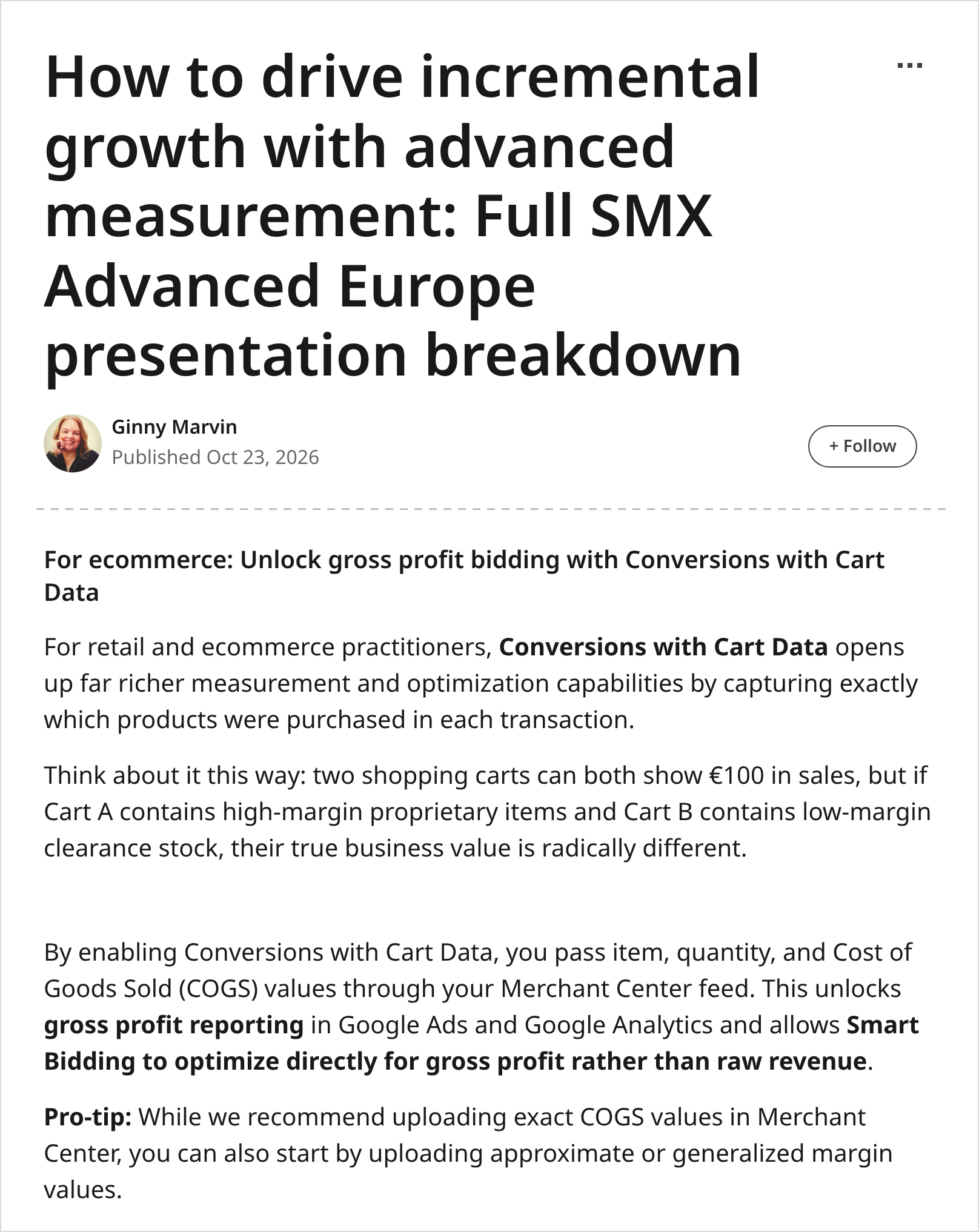
Ginny Marvin is Google’s Ads Product Liaison. On 23 October 2026 she published a full write-up of her measurement talk at SMX Advanced Europe in Berlin. The Google Ads LinkedIn page shared it the same day in its Ads Decoded newsletter.
In a section headed “For ecommerce: Unlock gross profit bidding with Conversions with Cart Data”, she wrote:
“Think about it this way: two shopping carts can both show €100 in sales, but if Cart A contains high-margin proprietary items and Cart B contains low-margin clearance stock, their true business value is radically different.”
She said that sending item, quantity and cost of goods sold (COGS) values “unlocks gross profit reporting in Google Ads and Google Analytics and allows Smart Bidding to optimize directly for gross profit rather than raw revenue.”
And she added a practical tip: “While we recommend uploading exact COGS values in Merchant Center, you can also start by uploading approximate or generalized margin values.”
Later in the same piece, under “Speaking CFO”, she wrote that “in-platform ROAS measures correlation, not bank deposit growth”, and listed “Contribution Margin and Gross Profit over Raw Revenue” as a metric to agree with finance “so bidding doesn't chase low-margin volume.”
Source: Ginny Marvin, Google — How to drive incremental growth with advanced measurement (23 October 2026, checked 26 October 2026). Shared in Google Ads — Inside my SMX Advanced Europe measurement talk (23 October 2026).
What basket data does, in plain terms
There are two halves, and both are needed.
Your purchase tag says what was bought. Alongside the order value, the tag sends a list of the items in the basket: each product ID, the quantity and the price. Google’s help page lists these as an items list with an ID (id for Google Ads tags, item_id for GA4), quantity and price (the price per item, excluding tax and delivery), plus optional fields such as aw_merchant_id.
Your Merchant Center feed says what each item cost you. That is the cost_of_goods_sold attribute, for example “GBP 10.01”.
Google Ads puts the two together. Its help page says that by combining basket data with COGS from your feed, “Google Ads can generate additional metrics based on gross profit.” You then get columns such as revenue, cost of goods sold, gross profit, orders, average basket size and units sold.
The IDs must line up. Google says item IDs in your tag “must exactly match the id attribute in your Merchant Center feed”, and only items from a linked Merchant Center account count.
Source: Google Ads Help — About conversions with basket data and Conversions with cart data parameters (checked 26 October 2026).
Reporting first, bidding second
Seeing profit and bidding for profit are two different steps.
Profit reporting comes from basket data plus COGS. It works with Google Ads conversion tracking, and Google says GA4 purchase key events imported into Google Ads also count.
Profit bidding is a separate step. Google’s own retail guide describes a “Profit optimization goal (beta)” for Performance Max and Standard Shopping campaigns, using basket conversions and COGS from Merchant Center. Google claims an average 15% uplift in campaign profit against revenue-only bidding, based on its own Shopping data from September to October 2023. That is Google’s figure, not an independent test.
Search Engine Land also reported (6 October) a Google Ads test that turns your average margin into a suggested Target ROAS: a 15% margin gives a break-even target of 667%. Useful, but it does not see which products sold.
Sources: Google — Key tips to driving online sales (checked 26 October 2026); Search Engine Land — Google Ads can now calculate Target ROAS from profit margins (6 October 2026).
What this does not cover
Gross profit is not net profit. COGS is the cost of the product. It does not include delivery, returns, payment fees or staff. Search Engine Land made the same point about the margin calculator.
COGS in Google is a reporting estimate. Merchant Center’s help page says the COGS you share “is for reporting purposes and does not need to be exact”, and suggests an average if costs vary. Good enough to steer. Not good enough for the statutory accounts.
Google Analytics. Ginny Marvin says this unlocks gross profit reporting in Google Analytics too. We have not found a GA4 help page that sets out how that report works, so check your own property before promising it to anyone.
Not every campaign. Google’s profit goal is described for Performance Max and Standard Shopping. Search-only accounts should not expect the same.
Why it matters for the P&L
Revenue bidding can quietly favour your worst margins. If clearance lines convert easily, a revenue target will happily buy more of them. The ROAS looks fine. The profit does not.
It answers the question finance actually asks. Ginny Marvin’s own framing is that in-platform ROAS is “not bank deposit growth”. A gross profit column next to cost is a far easier conversation with a CFO than a ROAS percentage.
It is mostly plumbing you already own. Most shops already have a purchase tag and a product feed. The work is adding the items list, matching the IDs and filling one feed field.
Timing. Black Friday is weeks away. Turning on profit reporting now gives you a clean read of peak. Changing what the bidding aims for during peak is a different and riskier choice.
This links to our earlier note on checking what Google Ads’ new customer multipliers do to your ROAS. That post was about value being inflated. This one is about value being the wrong measure in the first place.
Director checklist
Ask one question first. Can our Google Ads account show gross profit by campaign today? If the answer is “no” or “not sure”, basket data is probably not set up.
Check the purchase tag sends the basket. Ask your team to confirm the Google Ads purchase tag (or the GA4 purchase event imported into Google Ads) sends each item’s ID, quantity and price, not just the order total.
Match the product IDs. The item ID in the tag must exactly match the ID in Merchant Center. Ask for the “flagged item IDs” list in the Google Ads diagnostics for the purchase conversion, and get it to near zero.
Fill in cost of goods. Add cost_of_goods_sold to your Merchant Center feed, in the same currency as your prices. Start with category averages from finance if exact costs are hard. Write down where the numbers came from.
Report profit next to ROAS. Add revenue, cost of goods sold and gross profit columns to the campaign view, and to any board slide that shows Google Ads results.
Change bidding later, on purpose. Only once the profit numbers look right should you test a profit goal or a margin-based target on one campaign. Do not switch during Black Friday week.
Judge it on your own books. Compare Google’s gross profit with your own margin report for the same orders. Small gaps are normal. Big gaps mean the IDs or costs are wrong.
Questions to ask your team this week
Does our purchase tag send the items in each order, or just the total?
What share of our sold items match a product in Merchant Center?
Who owns the cost of goods numbers in the feed, and how often are they updated?
Which of our campaigns would look worse if we judged them on gross profit?
Are we planning to change bidding before, during or after peak?
Caveats
Two Google sources, one message. The 23 October article is a Google employee’s write-up of a conference talk, not a product launch. The features it points to are documented on Google’s help pages.
Wording differs by region. Google’s UK help pages say “basket data”. The US pages and the article say “cart data”. It is the same feature.
Your books win. Gross profit in Google Ads is an estimate built from your feed. Your finance team’s margin report is still the source of truth.
Final thoughts
#22/100 — Two £100 orders can leave very different profit. If Google Ads only sees the £100, it will treat them the same.
Most ecommerce teams already know which products make money. The fix is to make sure Google Ads knows too, before it spends the peak budget.
Not sure if your purchase tag sends the basket, or if your product IDs match? Run our free GA4 and GTM tracking scan at https://audit.taggurus.co.uk/, email info@taggurus.co.uk, or book a meeting today to discuss.
FAQ
Q: What is basket data (cart data)?
A: Extra detail sent with each purchase conversion: which products were bought, how many and at what price. Google Ads uses it to report orders, basket size, revenue and, with cost of goods, gross profit.
Q: What changed on 23 October?
A: No new feature launched. Google’s Ads Product Liaison publicly recommended that retailers send basket data and cost of goods so Google Ads can report and bid on gross profit rather than raw revenue. It is a clear signal of where Google wants retailers to go before peak.
Q: Do we need exact product costs?
A: No. Merchant Center’s help page says COGS is for reporting and “does not need to be exact”. Ginny Marvin also says you can start with approximate margins. Use honest averages and improve them over time.
Q: Does this work if we import GA4 purchases into Google Ads?
A: Google’s help page says GA4 key events imported into Google Ads can show basket data metrics, if GA4 is linked and auto-tagging is on. The GA4 purchase event must send the items, and the item IDs must match Merchant Center.
Q: Will Google Ads start bidding for profit automatically?
A: Not from reporting alone. Profit bidding is a separate choice, described by Google as a beta goal for Performance Max and Standard Shopping. Test it on one campaign first.
Q: Is gross profit the same as the profit in our accounts?
A: No. It is revenue minus the cost of goods you put in the feed. Delivery, returns, fees and overheads are not included.
Sources
https://www.linkedin.com/pulse/how-drive-incremental-growth-advanced-measurement-full-ginny-marvin-z61tc (Ginny Marvin, Ads Product Liaison at Google, “How to drive incremental growth with advanced measurement: Full SMX Advanced Europe presentation breakdown”, LinkedIn, 23 October 2026, checked 26 October 2026: “two shopping carts can both show €100 in sales, but if Cart A contains high-margin proprietary items and Cart B contains low-margin clearance stock, their true business value is radically different”; basket data and COGS “unlocks gross profit reporting in Google Ads and Google Analytics and allows Smart Bidding to optimize directly for gross profit rather than raw revenue”; “you can also start by uploading approximate or generalized margin values”; “in-platform ROAS measures correlation, not bank deposit growth”)
https://www.linkedin.com/pulse/inside-my-smx-advanced-europe-measurement-talk-google-ads--j75ze (Google Ads LinkedIn page, Ads Decoded newsletter, “Inside my SMX Advanced Europe measurement talk”, 23 October 2026: preview of the three-step framework, including “Conversions with Cart Data to get item-level insights and bid on gross profit instead of raw revenue”)
https://support.google.com/google-ads/answer/9028254?hl=en-GB (Google Ads Help, “About conversions with basket data”, checked 26 October 2026: gross profit metrics from basket data plus COGS; item IDs “must exactly match the id attribute in your Merchant Center feed”; linked Merchant Center required; GA4 and Firebase imported key events supported; biddable purchase conversions only)
https://support.google.com/google-ads/answer/14943675?hl=en (Google Ads Help, “Conversions with cart data parameters”, checked 26 October 2026: required items array with id (Google Ads) or item_id (Google Analytics/Firebase), price excluding tax, shipping and order discounts, and quantity; IDs must match Merchant Center; optional aw_merchant_id, aw_feed_country / aw_feed_label, aw_feed_language, discount (not supported with GA as source))
https://support.google.com/merchants/answer/9017895?hl=en-GB (Google Merchant Center Help, “Cost of goods (COGS) [cost_of_goods_sold]”, checked 26 October 2026: used with basket data for gross profit reporting; “for reporting purposes and does not need to be exact”; use an average if costs vary; same currency as conversion price)
https://business.google.com/us/accelerate/resources/articles/online-sales-deep-dive/ (Google, “Key tips to driving online sales”, checked 26 October 2026: “Profit optimization goal (beta)” for Performance Max and Standard Shopping; Google’s claim of an average 15% uplift in campaign profit versus revenue-only bidding, Google data, Shopping campaigns, Sept–Oct 2023)
https://searchengineland.com/google-ads-can-now-calculate-target-roas-from-profit-margins-493797 (Search Engine Land, Anu Adegbola, 6 October 2026: Target ROAS calculator test; 15% margin gives 667% break-even target; shipping, returns, payment fees and overhead not included; not direct profit bidding)Goo
