
Google changed how Tag Manager handles “config”. Here’s how to check your conversions
On 8 October 2026, Google published a change to how Google Tag Manager (GTM) works. It sounds technical, but the risk is simple: on some websites, tracking tags may now fire when they shouldn't. That can mean extra, fake conversions in Google Analytics 4 (GA4), Google Ads and other ad platforms.
This guide explains what changed in plain English, why it matters for your budget, and a 5-step check your team or agency can run this week.
What changed, in plain English
First, two quick definitions:
- Google Tag Manager (GTM) is the tool many sites use to manage their tracking tags in one place. It loads from a file called gtm.js.
- The Google tag (gtag.js) is a different piece of Google code that sends data straight to GA4 or Google Ads. Its setup line is called a "config" command, written gtag('config').
Many websites run both. We covered that "hybrid" set-up on 1 October in our guide to hybrid GTM and gtag set-ups.
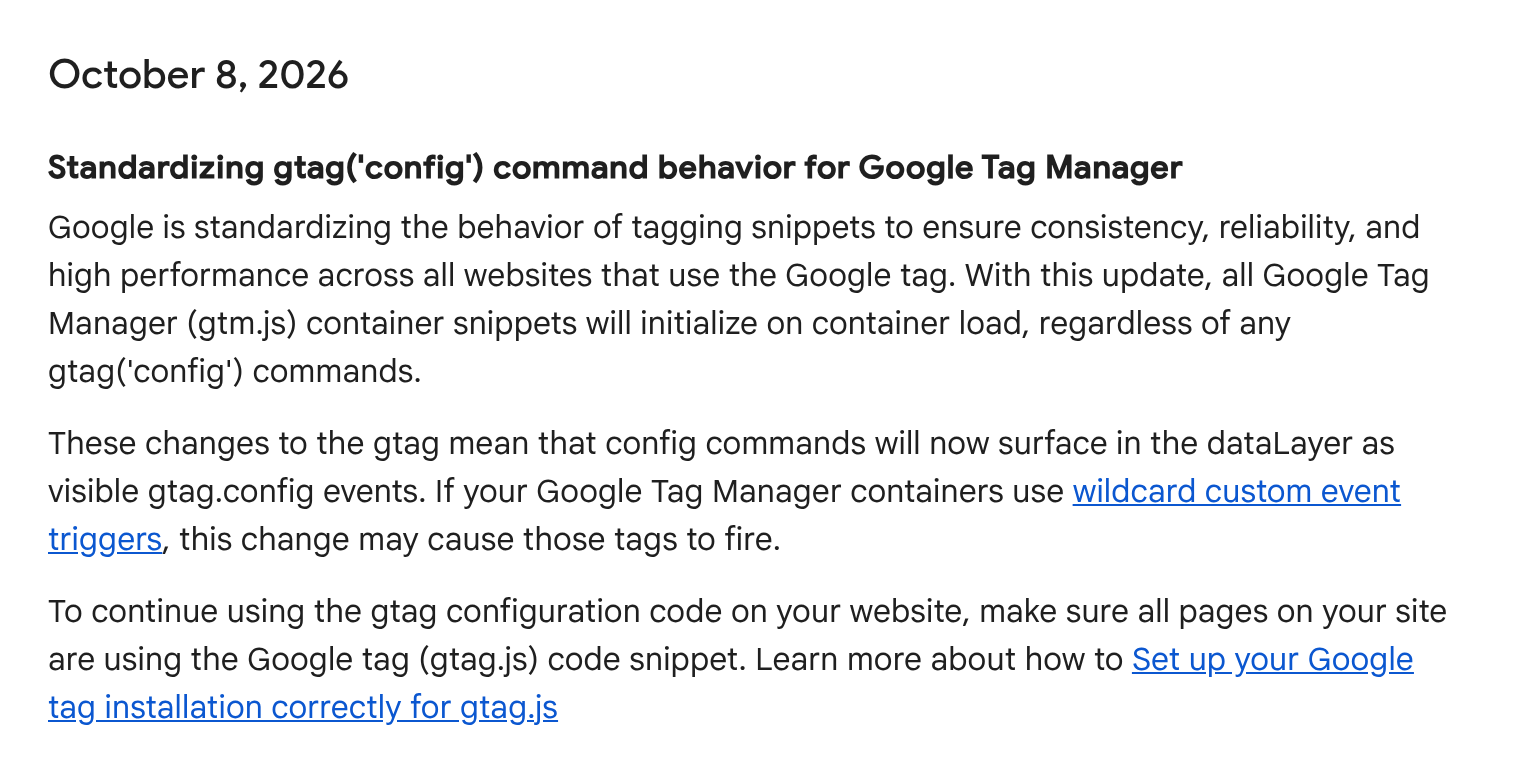
Google's official release note says:
"With this update, all Google Tag Manager (gtm.js) container snippets will initialize on container load, regardless of any gtag('config') commands."
"These changes to the gtag mean that config commands will now surface in the dataLayer as visible gtag.config events. If your Google Tag Manager containers use wildcard custom event triggers, this change may cause those tags to fire."
Put simply:
- GTM now always starts up when the page loads, whatever the gtag code says.
- Each gtag "config" line now shows up as a new event, called gtag.config, in the data layer. (The data layer is the list of things happening on the page that GTM watches.)
- If any of your tags are set to fire on any event (a "wildcard" trigger, often written as .*), those tags may now also fire on gtag.config, which nobody meant to happen.
Why it matters in money terms
A tag firing an extra time sounds harmless. It isn't, if that tag is a conversion.
- Double-counted conversions. Sales or leads can be counted twice, so reports look better than reality.
- Wrong ROAS. Return on ad spend gets inflated. Campaigns that lose money can look profitable, so budget goes to the wrong places.
- Ad platforms learning from fake signals. Smart bidding in Google Ads, Meta and others learns from your conversions. Feed it fake ones and it chases the wrong customers and can raise your costs.
- Messy decisions. Board reports, forecasts and agency targets all rest on numbers that are now quietly wrong.
Not every site is affected. The risk is highest when a site uses both GTM and gtag config code, and the GTM container has catch-all triggers.
A simple 5-step checklist
1. Find wildcard triggers. In GTM, open Triggers and look for "Custom Event" triggers whose event name is .* or another catch-all pattern (with "use regex matching" ticked). List every tag that uses them.
2. Check for spikes since 8 October. In GA4 and Google Ads, compare conversions and key events before and after 8 October. Look for sudden jumps, especially where orders in Shopify or your back office didn't rise to match.
3. Test in Preview mode. Use GTM's Preview mode on your site. In the event list, look for gtag.config events and see which tags fire on them. A purchase or lead tag firing there is a red flag.
4. Tighten the triggers. Change catch-all triggers so they ignore gtag.config, for example by adding a condition "Event does not equal gtag.config", or by naming the exact events you want. Test again, then publish.
5. Decide: GTM only, or gtag.js too. Google says that to keep using gtag configuration code, all pages on your site must use the Google tag (gtag.js) snippet. If only some pages have it, choose: move everything into GTM (gtm.js only), or install gtag.js properly on every page. Mixing the two half-way is where problems start.
When to call an expert
Bring in help if:
- you find wildcard triggers on purchase, lead or ad-platform tags;
- GA4 or Google Ads numbers jumped after 8 October and you can't explain why;
- your site mixes GTM and gtag code and nobody is sure who added what;
- you rely on smart bidding with a significant monthly ad budget.
Fixing a trigger takes minutes. Weeks of ad platforms learning from fake conversions costs far more.
Check your set-up today
Run our free GA4 and GTM tracking scan. No sign-up, and you get a score out of 100 in about 10 seconds.
Want someone to look at it with you? Book a meeting today to discuss.
